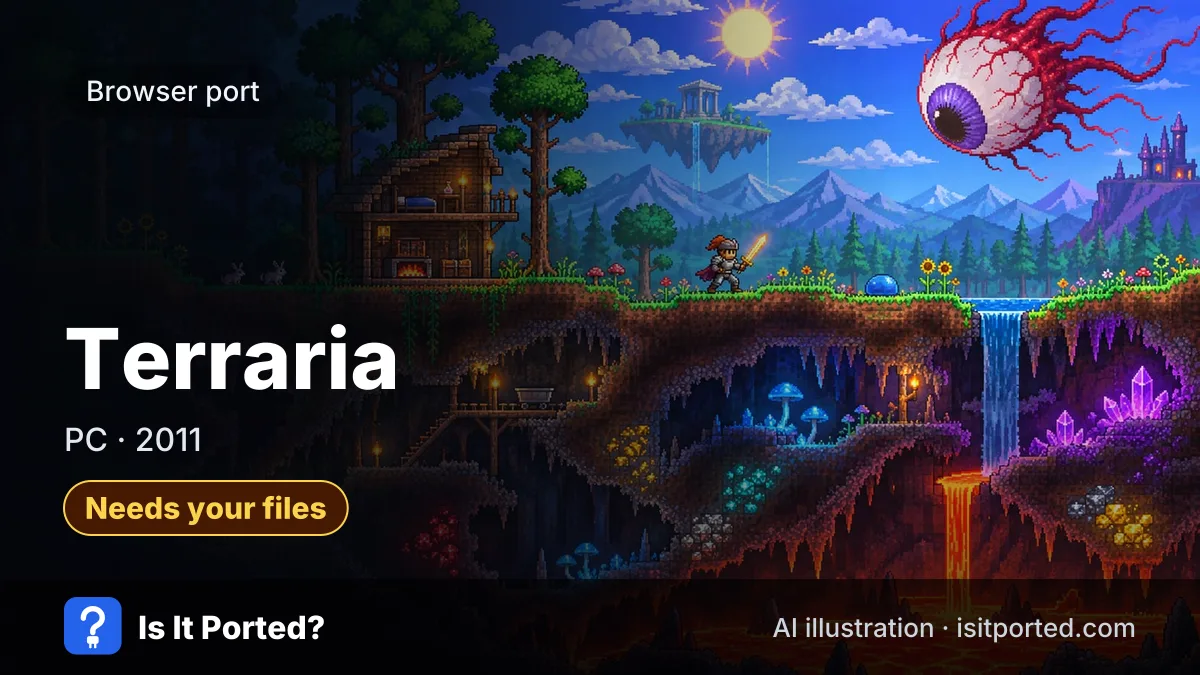
Terraria web port
Short answer
Needs your filesYes, with your own copy. As of 13 Nov 2026, the Terraria web port by Mercury Workshop runs the PC game in a browser at terraria.mercurywork.shop from files of a copy you own. Ahead-of-time compilation makes it playable even on low-end devices, but mods such as tModLoader don't work yet. No game files are hosted.
How do I play Terraria in the browser?
Terraria runs at terraria.mercurywork.shop from the files of your own PC copy.
- Open terraria.mercurywork.shop in Chrome or Edge.
- Load your game files: choose your Terraria folder, or use the page’s Steam option. In Firefox, drag the folder in.
- Wait for the files to copy into your browser’s private storage, then start a world.
The Terraria web port runs the game’s C# code on .NET compiled to WebAssembly, with the FNA framework drawing it. Ahead- of-time compilation lifted it from about 2 fps in early tests to playable speed.
Why is Terraria not loading in my browser?
The Steam download is very slow
One player reported the Steam option at 5% after an hour. Choose your local game folder instead if you have the game installed.
The folder can’t be selected
Firefox and Safari don’t support the folder picker. Drag the folder in with Firefox, or use Chrome or Edge.
Other ways to play Terraria
Terraria is sold for PC on Steam and GOG, for consoles, and for phones: the mobile version runs on Android and iPhone without a browser. The same team’s Celeste browser port works the same way, from your own copy.
Is the Terraria web port safe?
The Terraria web port hosts no game files and loads only your own copy, which keeps it in the green tier on our risk scale. Its source code is public on GitHub. Our guide on spotting fake ports explains how to recognise copies that bundle the game.
Is the Terraria browser port safe?
Safe: mercurywork.shop
- Domain age: Registered 3 Feb 2023
- Certificate: Valid HTTPS
- Google Safe Browsing: No warnings
- Malware scan: Not checked
- Pop-ups and redirects: None seen
- Fake download buttons: None seen
- Notification prompt: No prompt
Mercury Workshop's own domain, registered 2023, hosting its Terraria port. Loaded on 13 Nov 2026: no ads, pop-ups, redirects or prompts, and Google Safe Browsing found no unsafe content. It loads files from your own copy of the game.
Full safety check for mercurywork.shopDoes the Terraria browser port still work? Player reports
No player reports yet. Be the first.
Terraria browser port status history
-
First release Needs your files
Mercury Workshop shared the Terraria WebAssembly port, its first FNA game in the browser, with the Celeste port. (source)
More questions about the Terraria browser port
Do I need to own Terraria to play it in the browser?
Yes. The Terraria web port asks for files from your own copy, and its authors say you must own the game.
Can I load Terraria from Steam into the browser port?
Partly. A player mentioned a Steam download option on the page, which was slow for them; you can also select a local game folder.
Can you use mods in the Terraria web port?
No, not yet. The README says the mod framework can't run fast enough in the browser for now, so tModLoader mods aren't supported.
Does the Terraria web port have multiplayer?
No, not that the project documents. The README and write-up cover single-player only.
Is the Terraria web port on GitHub?
Yes. The code is MercuryWorkshop/terraria-wasm on GitHub, built on r58Playz's FNA WebAssembly tools.
Does Terraria browser work on a phone?
Not confirmed. The authors say ahead-of-time compilation runs it on low-end devices, but the port is built for keyboard and mouse.