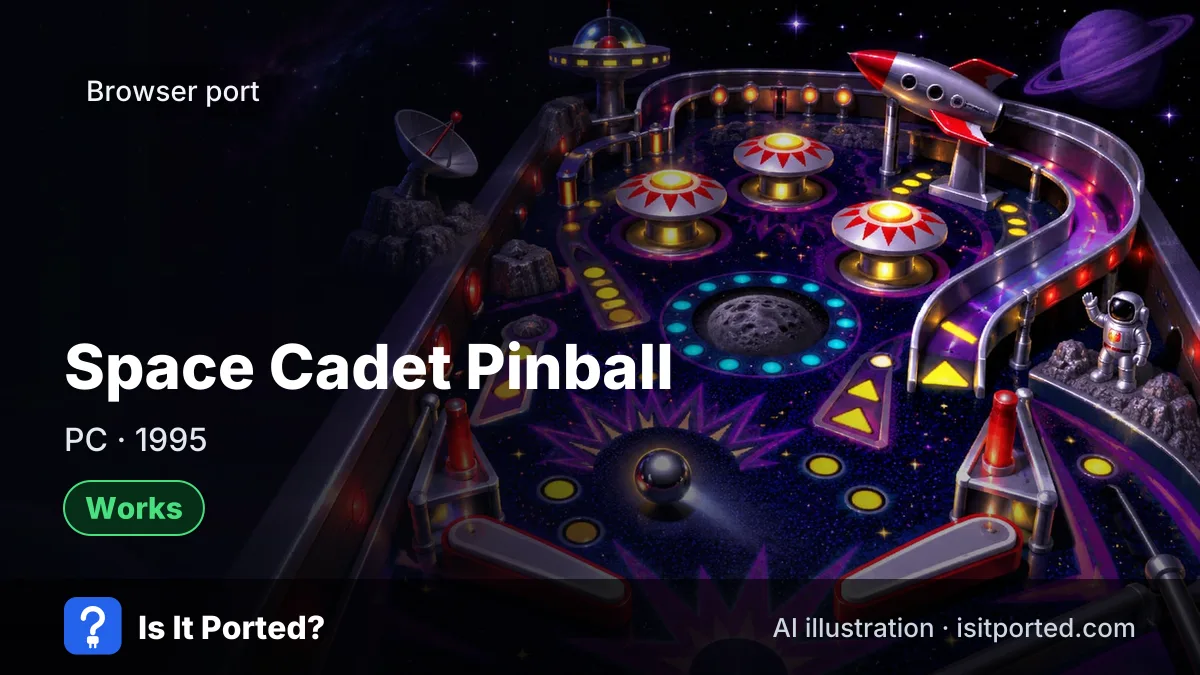
Space Cadet Pinball browser port
Short answer
WorksYes. As of 13 Nov 2026, Space Cadet Pinball, the 3D Pinball game from Windows, plays in a browser at pinball.alula.me: an Emscripten build by alula of k4zmu2a's decompilation of the Windows XP game. It runs the original table in a Windows-style window with the classic keyboard controls, and the page loads the 2.3 MB table data itself. Microsoft has never released a browser version.
How do I play Space Cadet Pinball in the browser?
Space Cadet Pinball plays at pinball.alula.me in any modern desktop browser.
- Open pinball.alula.me. The page shows the game in a Windows XP-style window.
- Wait a moment while it loads the table data.
- Press F2 for a new game, then Space to launch the ball.
The browser build is alula’s Emscripten port of k4zmu2a’s decompilation, which rebuilt the Windows XP game’s code as readable C++ from the original program and its public debug symbols. Compiled to WebAssembly, it runs the same Space Cadet table, sounds and missions as the version that shipped with Windows from 1995 to 2001.
What are the Space Cadet Pinball browser controls?
| Action | Key |
|---|---|
| Left flipper | Z |
| Right flipper | / (slash) |
| Launch the ball | Space (hold for more power) |
| Bump the table | X, . (full stop) and the up arrow |
| New game | F2 |
| Pause | F3 |
Why is Space Cadet Pinball not working in my browser?
The window stays black
The Space Cadet Pinball page needs WebAssembly and loads a 2.3 MB data file first. Reload the page, and check that an ad blocker or a school filter isn’t blocking it.
The flippers don’t respond on a phone
The Space Cadet Pinball browser build expects a keyboard. Touch support is limited, so use a computer or attach a keyboard to your tablet.
There’s no sound
Browsers keep sound muted until you interact with a page. Click inside the game window or press a key once.
Is Space Cadet Pinball in the browser legal?
The decompiled code is a fan project published on GitHub. The table graphics and sounds are still Microsoft’s, and the browser build loads them for you. Microsoft gave the game away with Windows for years and hasn’t acted against these builds, but it hasn’t approved them either. On a PC you can keep using data files from your own old copy of Windows or Full Tilt! Pinball with the desktop version of the decompilation.
Other ways to play Space Cadet Pinball
Microsoft removed Space Cadet from Windows after XP and doesn’t sell it today. The k4zmu2a decompilation also builds native versions for Windows and Linux that run with your own data files, and Full Tilt! Pinball, the 1995 Maxis game it came from, has two more tables. Our list of games you can play in a browser covers more classic games that run in a tab, and our guide on what a web port is explains how this kind of build works.
Is the Space Cadet Pinball browser port safe?
Safe: pinball.alula.me
- Domain age: Registration date unknown
- Certificate: Valid HTTPS
- Google Safe Browsing: No warnings
- Malware scan: Not checked
- Pop-ups and redirects: None seen
- Fake download buttons: None seen
- Notification prompt: No prompt
A static page hosted by the port's author (alula.github.io redirects here). Loaded on 13 Nov 2026: no ads, pop-ups, redirects or notification prompts, and Google Safe Browsing found no unsafe content. The .me registry doesn't publish the registration date over RDAP.
Full safety check for pinball.alula.meDoes the Space Cadet Pinball browser port still work? Player reports
No player reports yet. Be the first.
Space Cadet Pinball browser port status history
-
First release Works
alula's Emscripten build of the Space Cadet Pinball decompilation was shared on Hacker News as Windows Pinball playable on the web. (source)
More questions about the Space Cadet Pinball browser port
Can you play Space Cadet Pinball in a browser?
Yes. Space Cadet Pinball runs in a browser at pinball.alula.me, an Emscripten build of the open-source decompilation, with no download or install.
Is the Space Cadet Pinball browser version official?
No. Microsoft never made a browser version of 3D Pinball Space Cadet. The browser build comes from fans: k4zmu2a decompiled the game's code and alula compiled it for the web.
Do I need my own Space Cadet Pinball files?
No, not for the browser build. pinball.alula.me loads the original table data itself. The desktop decompilation, by contrast, needs data files from your own Windows or Full Tilt copy.
What are the Space Cadet Pinball controls?
Space Cadet Pinball uses Z for the left flipper, the slash key for the right flipper, Space to launch the ball, and X, full stop and the up arrow to bump the table. F2 starts a new game.
Does Space Cadet Pinball browser work on a phone?
Not well. The Space Cadet Pinball browser build is made for a keyboard; players have reported that only one flipper responds to taps on a touchscreen.
Who made the Space Cadet Pinball browser port?
Two fans. k4zmu2a decompiled 3D Pinball Space Cadet from the Windows XP program and its public debug symbols, and alula compiled that code for the browser with Emscripten.
Is the Space Cadet Pinball browser link safe?
Yes, as far as our check goes. pinball.alula.me passed our host check on 13 Nov 2026: no ads, pop-ups or redirects, and no Google Safe Browsing warning. It's a static page hosted by the port's author.